

A new product in several stores at once
· 4 minute read
A new product in three stores is the same work three times: name, description, price, sizes, SKUs, pictures and stock, in a different interface for each store. Every extra round of typing is another place to make a mistake, and one SKU typed differently in one store is enough to keep the products from joining.
One form
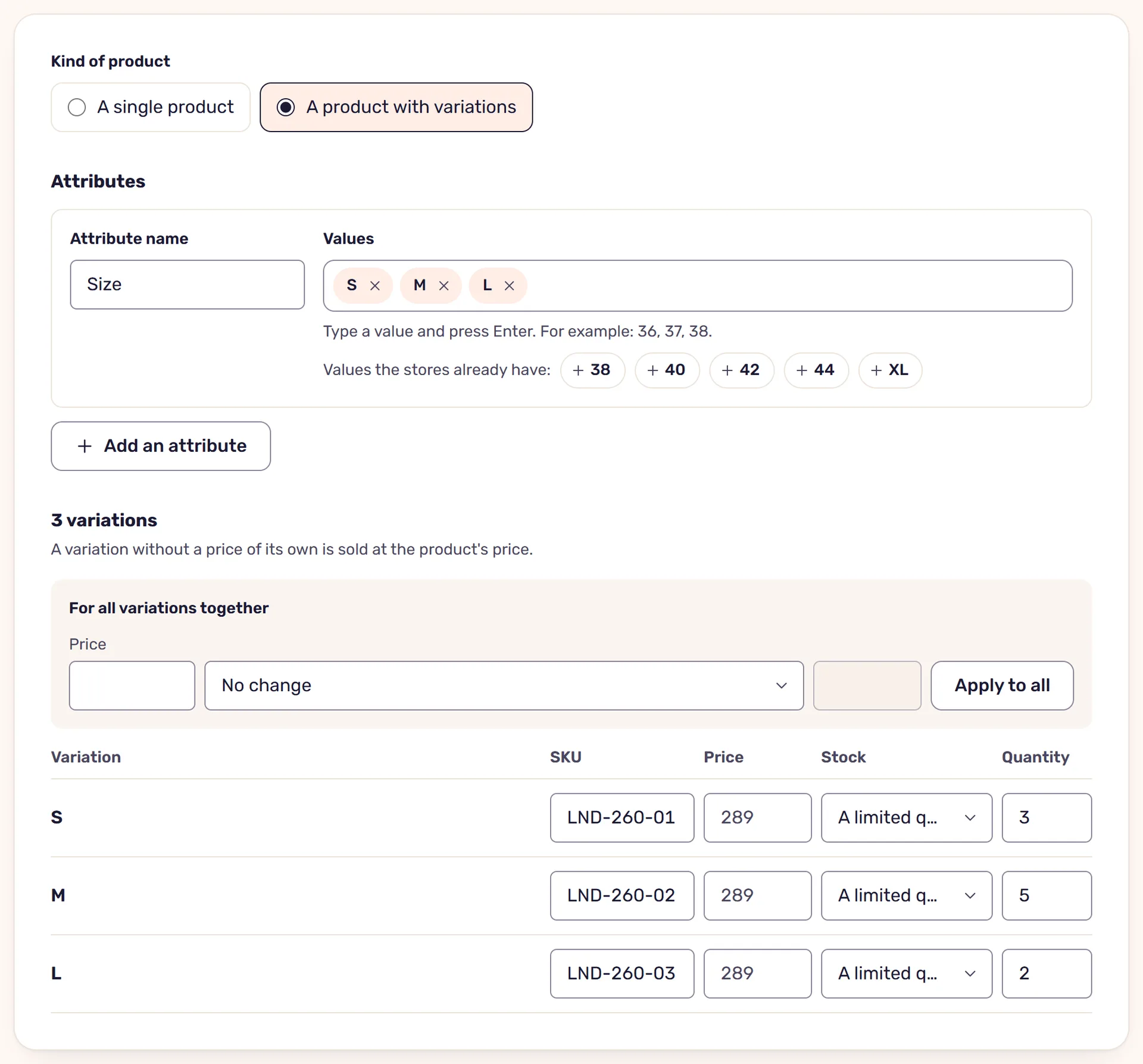
In StoreDuet you fill in the product once: name, description, price, sale price, category, pictures, and the sizes with each one’s SKU and quantity. You choose which stores it goes to, and send it. The form checks what you filled in when you click send, and the server checks again, so no store gets a product that is incomplete or wrong.
Each store gets what it has room for
Not every store holds the same fields. Each kind of store gets the product in the shape that suits it, and what it has no room for isn’t sent, and isn’t checked afterwards. A product larger than one of the chosen stores can hold, for example one with too many attributes, goes to none of them, and the message says which store and why. The form checks this in advance.
A draft first, published after a check
The product is created in each store as a draft. Once all its parts are up, the system reads it back from the store and compares it with what it asked for. It’s published only when there’s no difference. If the server stops halfway, the work carries on from the step where it stopped, without creating the product twice.

Pictures we don’t keep
The pictures pass through the system on their way to the stores, and are deleted from it as soon as every store has received them and shows them on the product. Until then they stay, even if something fails and is tried again.
Stock, and joining on its own
When the sync is on, each store gets the quantity less its own safety buffer. After it’s published, the product enters the Inventory screen and is joined across the stores by its SKUs, so from the first moment it syncs like everything else. Why SKUs matter here is in the article on SKUs.
A product that already exists in one store
A product that one WooCommerce site already has can be copied to another WooCommerce site, with its texts, prices, SKUs, categories, pictures and variations. The copy is created as a draft, and the store owner publishes it when it’s ready.
Read next
· 4 minute read
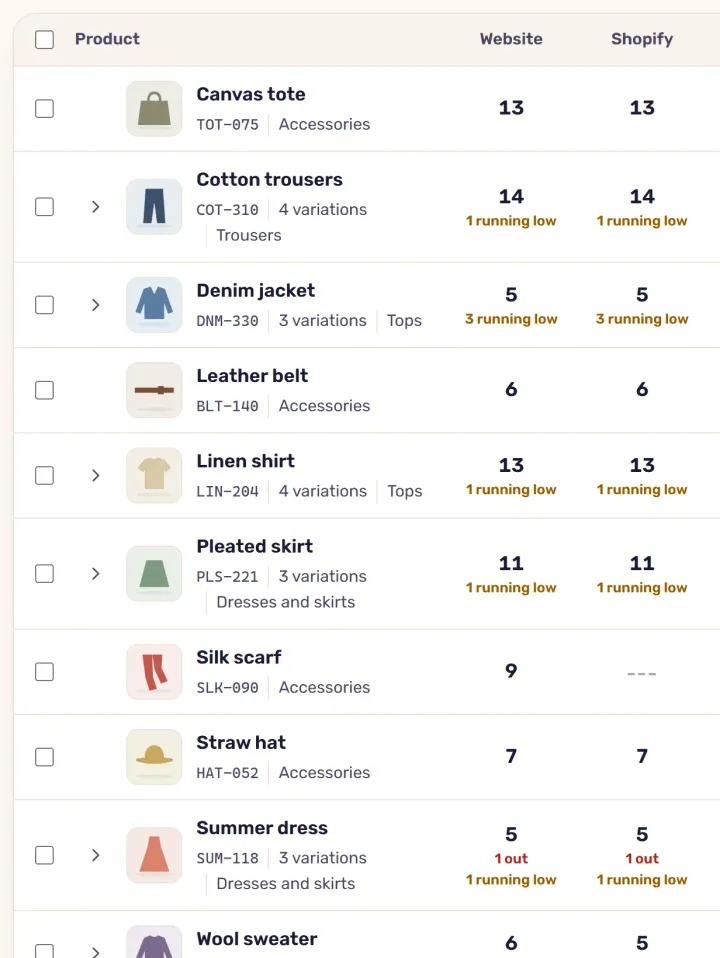
SKUs: the basis for managing stock in several stores
Why every product and variation needs a SKU across several stores, what happens when SKUs are missing or don’t match, and how to fill them in with StoreDuet.
· 4 minute read
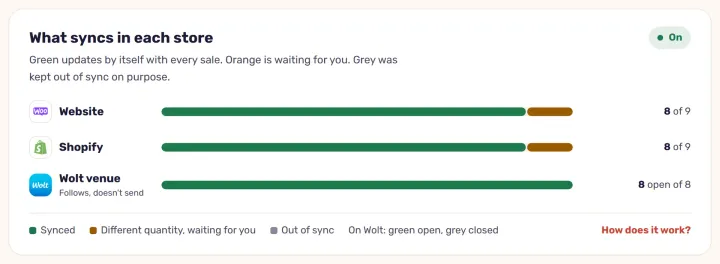
Syncing stock between WooCommerce and Shopify: how it works
What happens when one product sells in two stores, what the sync carries and what it doesn’t, and how StoreDuet keeps one quantity in both within a minute.