

SKUs: the basis for managing stock in several stores
· 4 minute read
A SKU is a product’s code. In one store it’s convenient. In several stores it’s essential: it’s the reliable way to know that “Linen shirt” on your site and “White linen shirt” on Shopify are the same shirt, and that its size M is the same size everywhere.
How the system uses SKUs
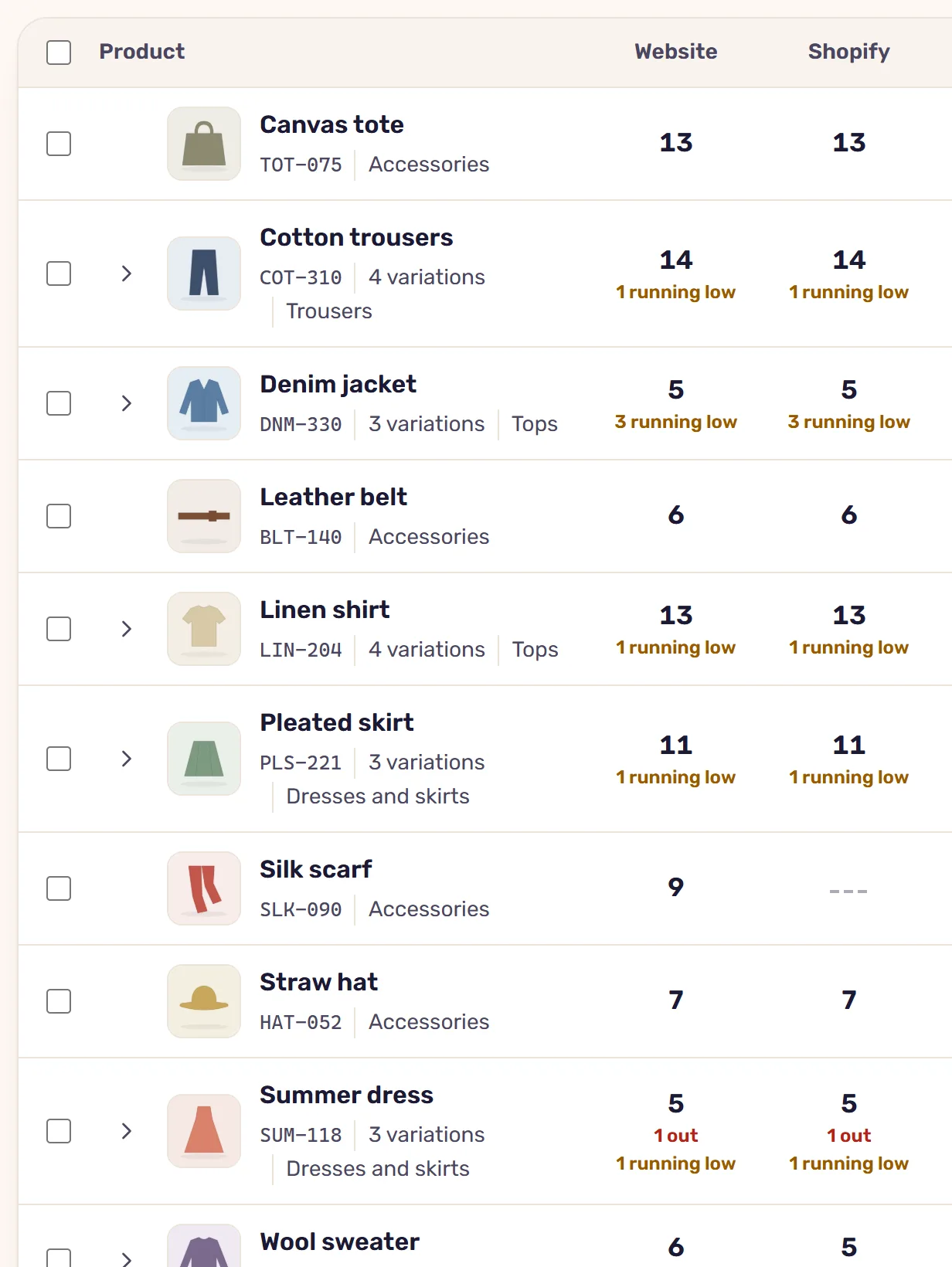
When the system reads the products from all your stores, it joins products that have the same SKU on its own: the product’s own SKU, or its variations’. A joined product appears on the Inventory screen as one row, with the quantity in each store, and from there it can sync. On Wolt, too, each size is identified by its SKU.
When there’s no SKU
Products without a SKU that have the same name in two stores are suggested as a match, and someone confirms whether they’re the same product or not. The system doesn’t join by name on its own, because two different products can have the same name. A product named differently in each store is joined by hand, from the row’s menu on the Inventory screen.
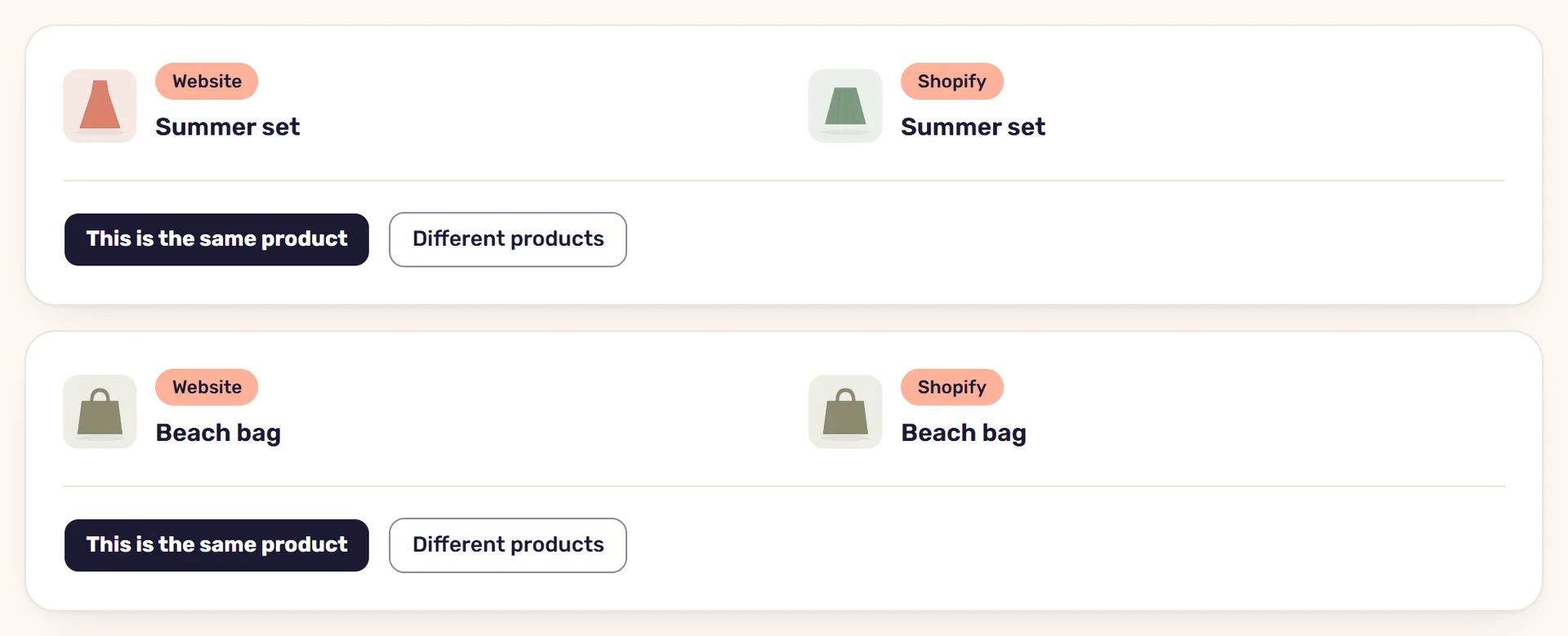
Variations without SKUs join by their values: size M on the website to size M on Shopify, even when one store calls the attribute “Size” and the other “מידה”.
When the SKUs don’t match
The same shirt with one SKU on the website and another on Shopify won’t join on its own. You can join it by hand, but it’s better to make the SKUs the same: every new product you add later, and any Wolt venue, will need the same code everywhere.
Filling in SKUs from the system
In WooCommerce stores you can fill in missing SKUs from StoreDuet. The system gives a SKU only to what has none, and never overwrites an existing code:
- For a product it suggests a model number: a SKU the product already has in one of the stores, the shared start of its variations’ SKUs, or a number in its name. If there’s none, you type one.
- Each variation gets the model number followed by a running number.
- A SKU that one store has is given to the others. When two stores disagree on the code, both are left as they are.
Once they’re filled in, the system reads the product again and joins it by the new codes.
A few rules for SKUs that work
- One code per variation, and never the same code for two variations.
- The same code for the same item in every store, Wolt included.
- A pattern that’s easy to read: a model code followed by a size or color.
- Don’t reuse an old product’s code for a new product.
With tidy SKUs, the stores’ products join on their own, and the sync takes it from there. How it works is in the article on syncing stock between WooCommerce and Shopify.
Read next
· 4 minute read
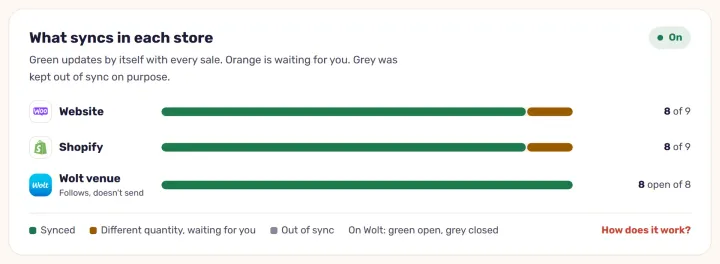
Syncing stock between WooCommerce and Shopify: how it works
What happens when one product sells in two stores, what the sync carries and what it doesn’t, and how StoreDuet keeps one quantity in both within a minute.
· 4 minute read
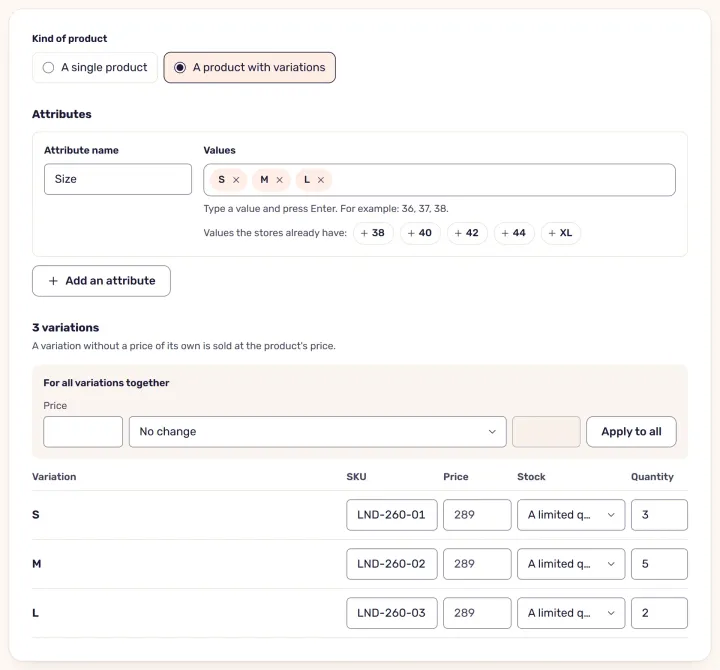
A new product in several stores at once
One form in StoreDuet instead of setting up a product in each store: it goes to the chosen stores, is checked in each, and is published only when it’s right.